For all the posts I've written on time management techniques, from
weekly schedules, to
Timeboxing, to
goal calendars, to
batching, and finally
combining them all together to learn computer science, up until now I haven't discussed To-Do Lists at any great length. Why? Well, for the most part I didn't think they were worth concentrating on. As I've emphasized
in the past,
accomplishing goals involves creating good habits and tweaking the environment to nurture progress over time. Having said that, we all
have moments where tasks start to pile up, and whether important or trivial just trying to handle them in our heads becomes a source of anxiety. You'll think, "I have so much to do I can't even keep track of it all anymore!" Some of the specifics of the tasks will fade, and only the stress and guilt will remain. For a subset of tasks that's called survival of the fittest, and maybe they weren't that important after all. But we can handle this in a much more conscious way: by recording our tasks into an Inbox and choosing whether to do or ignore them.
The Inbox is the main concept behind one of the "bibles" of time management:
Getting Things Done: The Art of Stress-Free Productivity by David Allen. GTD is considered the gold standard of organization systems, though you may be surprised to learn that I hadn't cracked it open until recently; contrary to popular belief, I don't use time management for its own sake but for the extra time and energy it affords me in accomplishing my goals. Likewise, when I try to excitedly explain what I've learned to other people, they could care less unless there's something they're trying to accomplish as well. In other words,
these are tools for busy people. If you, like me, are juggling multiple spinning plates that represent health, family, work, and a social life and have tried incorporating other organization techniques already, GTD offers some cool ideas on the Inbox. Fair warning: I modified Allen's concept a bit from the book for my own sadistic purposes.
Step 1: Dump tasks into Inbox. We already use Inboxes everyday; you have an Inbox for
your email, an Inbox for
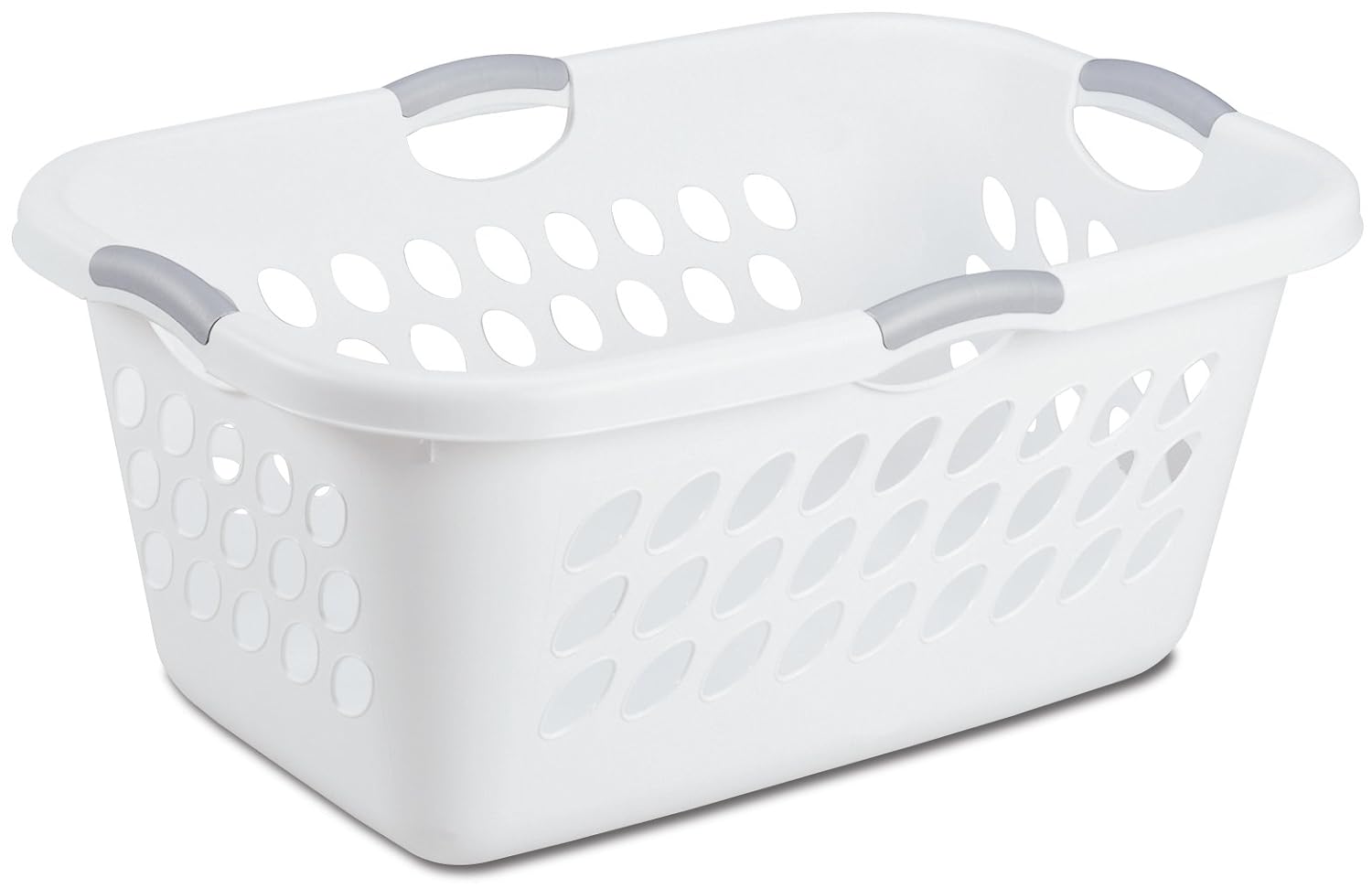
your laundry, an Inbox for
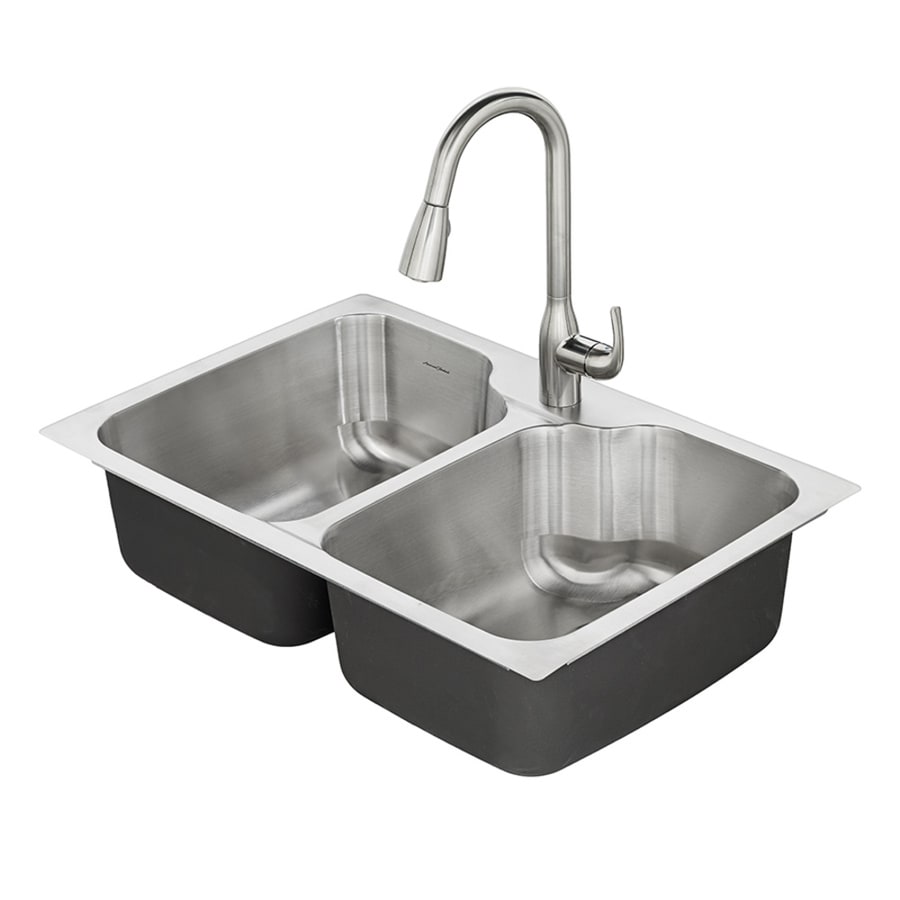
your dishes, and perhaps Inboxes for
your notes and
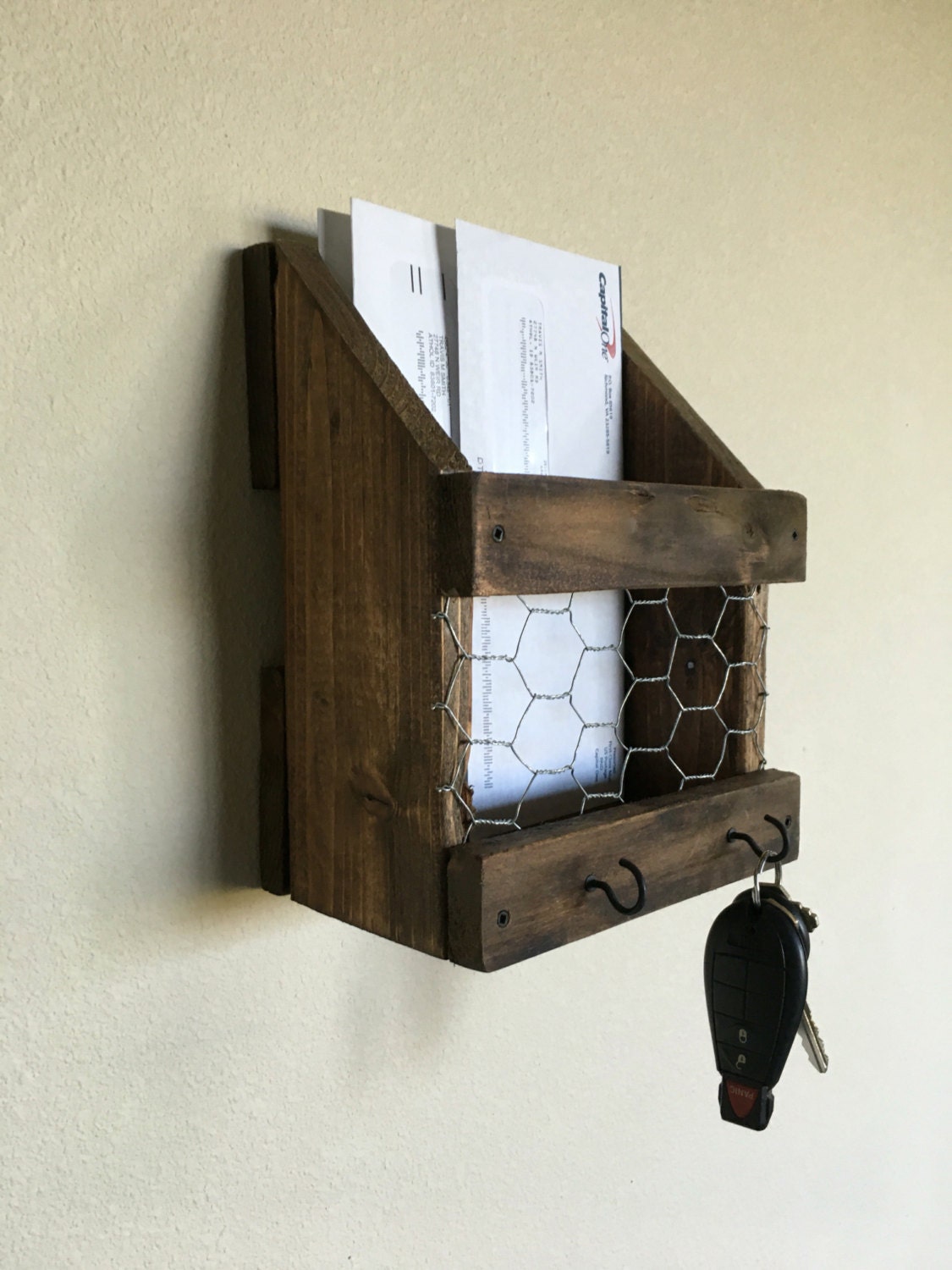
your mail, among others. We don't always have the resources to respond to each email as it arrives, to wash each piece of clothing after it's worn, to clean each dish following meals, to write each idea into a well-thought-out note then and there, and to open and process each letter as soon as it hits the mailbox. We dump them into a place nearby so we can
batch when the stack is sufficiently full. So why not have a
Task Inbox? As soon as you think, "man I should patch that tire" then
you should be able to record that task in 5 seconds or less. Dealer's choice on the recording tool - a planner, a pocket notebook, a memo app on your phone; use whatever you're comfortable with. My preference is picking up my phone or lifting my wrist with my smartwatch and saying, "
Ok Google, remind me to patch that tire on Sunday." Done. This is the
fun step, since we're just brain dumping and worrying about the consequences later. ~_^
Step 2: Choose Inbox review day. Decide on a day of the week to take a little time to review your Task Inbox. This won't take more than about 15-30 minutes, but the weekly review is
critical for staying on track. I do this on Sunday, right before the start of the week and on the day that I have the most time to organize. When a task starts nagging at my attention and I want to dump it, I just default it to Sunday (as you saw above) and review it then. Once you choose the review day, consider putting it in your
calendar or
weekly schedule to remind yourself to stick with it.
Step 3: Give tasks the D. By review day, your Task Inbox may have grown quite substantially. That's how she likes it. Having it all exposed in front of you will paradoxically make it more manageable, and at the very least it's less stressful than trying to keep it all in the head.
Hey, get your mind out of the gutter! Go down the list starting at the top one task at a time, and decide on the following options:
- Delete it - if it's not worth your limited time and energy, or will probably take care of itself.
- Do it now - if it will take less than two minutes.
- Delegate it - if someone else is the best person for the task.
- Defer it - if you've gotten past the first three options and you still want to do the task.
When in doubt, delete, remove, eliminate. This is prioritizing 101. Only move on to the next step if you can justify the work or if not doing it would result in an even bigger pain in the ass (okay, I'm done :X).
Step 4: Specify deferred tasks. Congratulations, you've elected to tackle some portion of the original tasks! For each remaining task, think about what the successful outcome would look like for that situation. What needs to happen for you to check the task off as "done?" Once you know where you're going, you can
come up with a clear, very next action to take in order to move forward. Too often we get stuck on vague goals such as "study" or "exercise" because they're loaded with too many possible actions. Choose an action you can take (i.e. put running shoes by the door, take Japanese book off the shelf) and add it to your
To-Do List. That's right, you're deleting the task from the Inbox and adding the actionable to-do to a separate List. Like the Task Inbox, you should be able to reference the To-Do List throughout the day, but this time the goal isn't brain dumping - it's actually making progress. Again, the tool for the List is up to you, but it should be something that can be organized into days or weeks. My preference is
Remember the Milk (RTM), which is available for all devices, including in the browser, offers great language support (even 日本語!), and has a host of features such as repeat schedules.
Step 5: Plan victorious day. The ultimate objective of the Task Inbox is to bring us
that much closer to achieving our goals. Daily progress, even if minimal, will always be infinitely more effective than feeling stressed or guilty about your tasks and getting nothing done. I limit myself to a maximum of 7 actions a day from my To-Do List. Why 7? Meh, that's the most I can fit on the widget for my phone's RTM app without scrolling. XD I've heard of people using index cards rather than going digital as a way to limit their daily to-dos, and that works too. I consult
my life principles to determine priorities, assigning a 3 (lowest) by default and a 2 (moderate) if it ticks one of my principles; everyday I'll choose ONE action to focus on, such that addressing it at the detriment of all other tasks will still mark the day as victorious, and I'll assign it a 1 (highest).
This is the part where you take your plans from the last four steps and get down to business.
Pro Tips
- Just because the to-do is on for that day doesn't mean you need to finish it, just attempt to make some progress. If nothing happens, perhaps the action isn't small enough or you need to break it down into sub-tasks.
- Some actions eventually become part of my habits, and leave my To-Do List for a happier place in my weekly/daily schedule. Other actions involve events that go into my calendar.
- Consider moving more involved personal to-dos to the weekends, to save yourself the mental energy during the week to stick to important work and your positive self-improvement habits.
- In my RTM app, I organize to-dos by lists: Recurring, Honeydo, Family, Friends, Travel, Home, Vehicles, Organization, and Shopping. I also have smart lists that automatically organize to-dos: This Week, Today, and Now. On my phone, I have widgets that show me the lists in Today and Now.
- In addition to prioritizing by principles, I specify which ones by tags: Health, Family, Friends, Learning, and Skills. I tag by daily number (1-7), by recurrence (Recurring, Once, Attempt), by weekly focus (This Week), and by flow focus (Now).
- RTM also has fields that let me specify start date, due date, repeat intervals, estimated time, location (Computer, Work, Outside, Home, Phone, Anywhere), sub-tasks, and notes.

As time goes on and you get in the habit of dumping your tasks into an Inbox and coming up with actionable to-dos in a List,
you'll feel more in control of your life and what you're trying to accomplish. It's
almost as if the future were in your hands. Try as I might, when I'm not using a weekly schedule or a Task Inbox, I just feel like life is in disarray. Like Timeboxing, GTD gives us a way to know when we're focusing on work and when we're taking a break and can relax. And true relaxation is what we need between spurts of disciplined sprints toward the finish line.
Keep it fun, homies.


No comments:
Post a Comment